HMI
Course Overview & Core Features
Duration: 3 Months (Professional Training).
Core Objectives: Design interfaces, monitor processes, control systems, and build your career.
Key Features: Expert instructors, practical hands-on training, real-world projects, software lab access, certificate after completion, and job assistance & support.
Target Audience: Electrical Engineers, Automation Engineers, Control System Technicians, Maintenance Engineers, and Fresh Graduates.
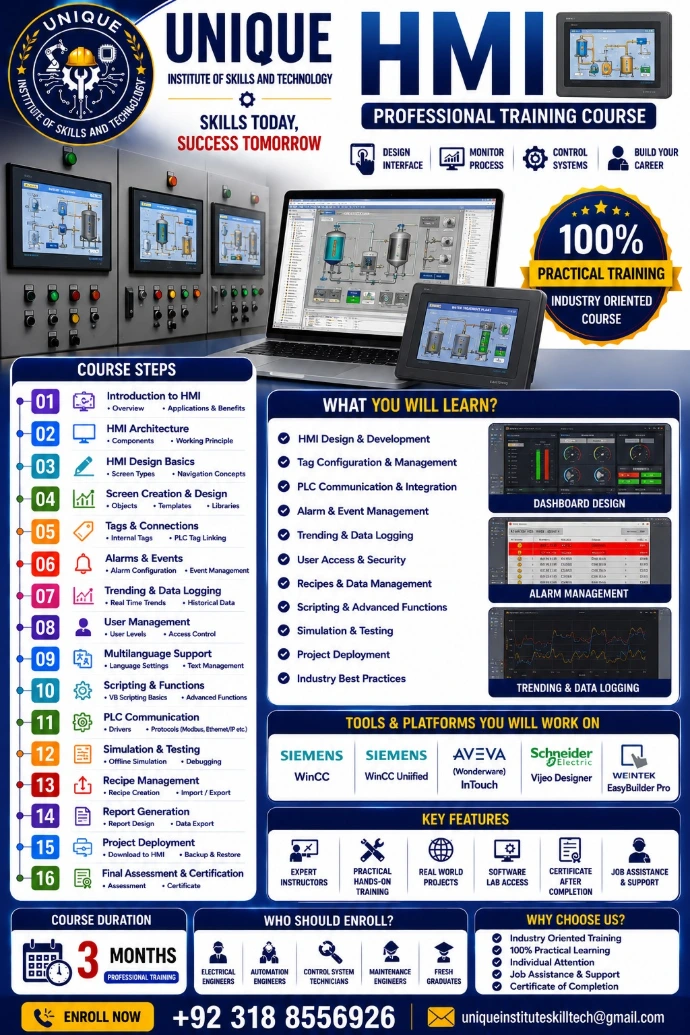
Course Steps (16 Learning Modules)
The curriculum systematically covers HMI development from basic screen design to advanced scripting and project deployment:
Introduction to HMI: Overview, applications & benefits.
HMI Architecture: Components and working principles.
HMI Design Basics: Screen types and navigation concepts.
Screen Creation & Design: Objects, templates, and libraries.
Tags & Connections: Internal tags and PLC tag linking.
Alarms & Events: Alarm configuration and event management.
Trending & Data Logging: Real-time trends and historical data.
User Management: User levels and access control.
Multilanguage Support: Language settings and text management.
Scripting & Functions: VB scripting basics and advanced functions.
PLC Communication: Drivers and protocols (Modbus, Ethernet/IP, etc.).
Simulation & Testing: Offline simulation and debugging.
Recipe Management: Recipe creation and import/export.
Report Generation: Report design and data export.
Project Deployment: Download to HMI and backup & restore.
Final Assessment & Certification: Formal assessment and certificate distribution.
Tools & Platforms You Will Work On
Students gain hands-on experience using leading industrial software platforms:
Siemens: WinCC
Siemens: WinCC Unified
AVEVA (Wonderware): InTouch
Schneider Electric: Vijeo Designer
Weintek: EasyBuilder Pro
Visual Elements & Interface Mockups
The center right of the flyer displays real-world application interfaces that illustrate practical learning outcomes:
Dashboard Design: A sleek dark UI layout with dials and status bars.
Alarm Management: A live log interface monitoring active alerts and system states.
Trending & Data Logging: Graphical charts plotting historical and real-time process variations.
- Online Session
- On Campus Lecture + Practical
- Video Lecture Available
- Urdu & English