GRAPHICS DESIGN
Course Overview & Core Features
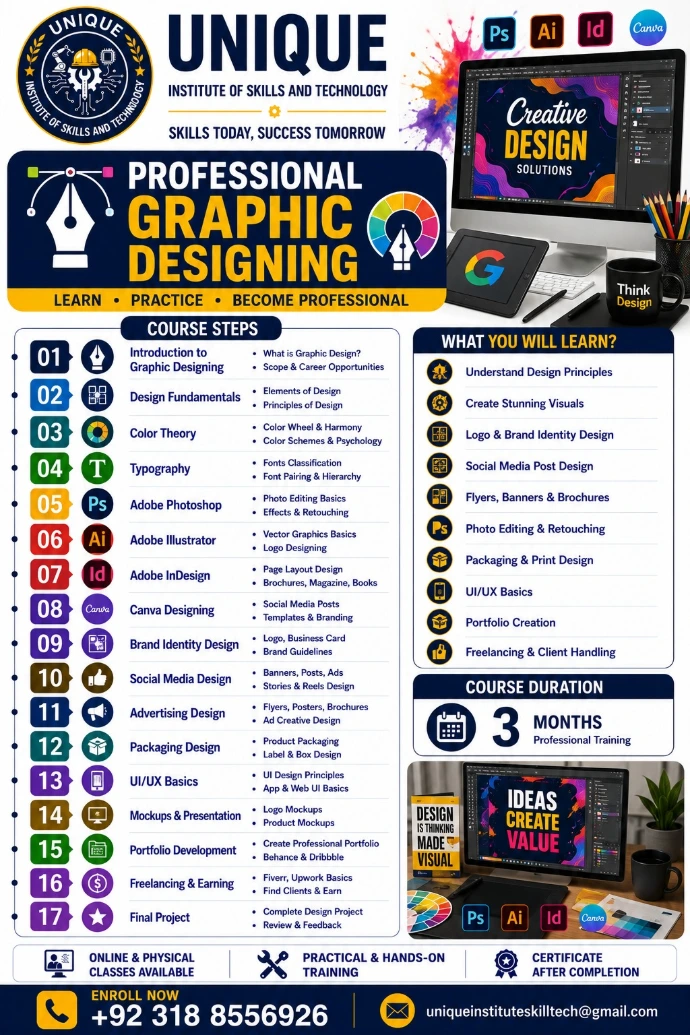
Duration: 3 Months (Professional Training).
Training Format: Online & Physical classes are available.
Core Path: LEARN • PRACTICE • BECOME PROFESSIONAL.
Key Benefits: Practical & hands-on training, certificate after completion, and industry-focused professional growth.
Target Audience & Outcomes
Target Audience: Aspiring Designers, Content Creators, Freelancers, and Creative Professionals looking to build creative design solutions.
Key Skills Mastered: Understand Design Principles, Create Stunning Visuals, Logo & Brand Identity Design, Social Media Post Design, Flyers, Banners & Brochures, Photo Editing & Retouching, Packaging & Print Design, UI/UX Basics, Portfolio Creation, and Freelancing & Client Handling.
Software Ecosystem Highlighted: Adobe Photoshop (Ps), Adobe Illustrator (Ai), Adobe InDesign (Id), and Canva.
Complete Course Syllabus
Phase 1: Foundations, Elements & Theory
01. Introduction to Graphic Designing: Learn what Graphic Design is and explore the Scope & Career Opportunities.
02. Design Fundamentals: Master the Elements of Design and Principles of Design.
03. Color Theory: Study the Color Wheel & Harmony alongside Color Schemes & Psychology.
04. Typography: Understand Fonts Classification and learn Font Pairing & Hierarchy.
Phase 2: Industry-Standard Software Mastery
05. Adobe Photoshop: Practice Photo Editing Basics and advanced Effects & Retouching.
06. Adobe Illustrator: Master Vector Graphics Basics and expert Logo Designing.
07. Adobe InDesign: Deep dive into Page Layout Design and formatting for Brochures, Magazines, & Books.
08. Canva Designing: Quickly create Social Media Posts and manage Templates & Branding.
Phase 3: Real-World Design Applications
09. Brand Identity Design: Craft cohesive Logos, Business Cards, and Brand Guidelines.
10. Social Media Design: Build strategic Banners, Posts, Ads, and Stories & Reels Designs.
11. Advertising Design: Design professional Flyers, Posters, Brochures, and Ad Creative Designs.
12. Packaging Design: Conceptualize Product Packaging and Label & Box Designs.
13. UI/UX Basics: Explore UI Design Principles and App & Web UI Basics.
Phase 4: Presentation, Freelancing & Career Launch
14. Mockups & Presentation: Present concepts with realistic Logo Mockups and Product Mockups.
15. Portfolio Development: Create a Professional Portfolio and set up profiles on Behance & Dribbble.
16. Freelancing & Earning: Launch an online career with Fiverr & Upwork Basics to Find Clients & Earn.
17. Final Project: Deliver a Complete Design Project and undergo a detailed Review & Feedback session.
- Online Session
- On Campus Lecture + Practical
- Video Lecture Available
- Urdu & English